I am happy to announce that WORLDZ - build your 3D world was just launched 🚀
What is included? 📦 • 49 buildings & parks • 13 vehicles • 10 types of trees • 16 other assets (benches, pavement,...) • Building generator (Customize building only with sliders) • Pre-build city
Whether you're an aspiring animator, graphic designer, game developer, 3D print artist, or just looking to expand your skill set, learning 3D is an excellent investment in your creative future. So why wait? 🤔
Start your 3D journey today and see where your imagination can take you!
Check the video: https://youtu.be/TNQEgBLZuHEWhy learn 3D?
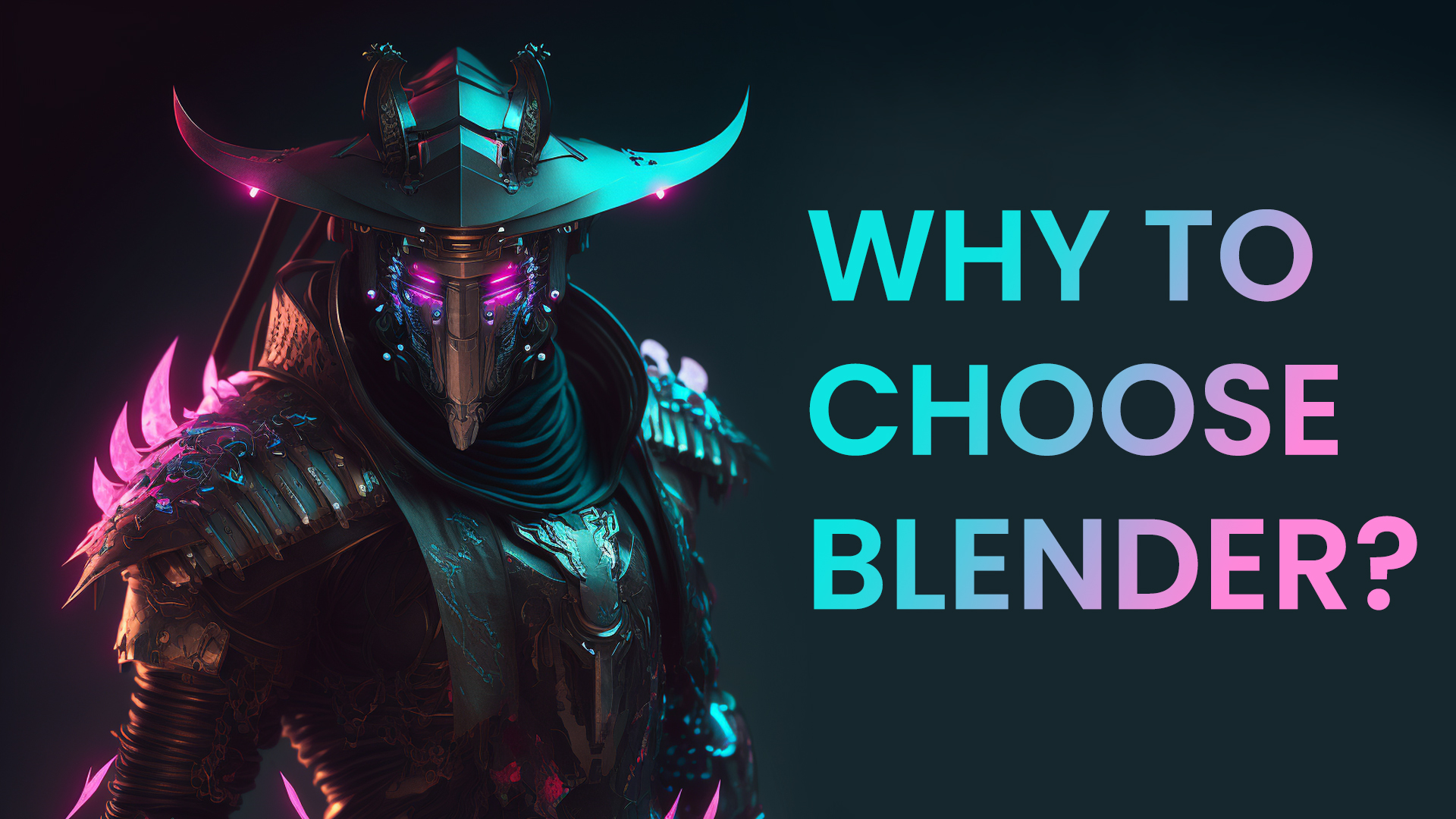
This video will explore why Blender has become a favorite among artists and creators. From its fantastic community to its robust animation capabilities, Blender offers many features that allow users to bring their creative ideas to life. Join us as we dive into the world of Blender and discover what makes it so unique.
Looking for solutions to fix Blender crashes? 🤔 Look no further! 👇
Our "Why is Blender Crashing" video will answer all the necessary questions. We'll delve into the most common causes of Blender crashes, including hardware issues, graphics driver problems, and incompatible plugins. We'll also provide practical tips and tricks for preventing crashes and optimizing Blender's performance.
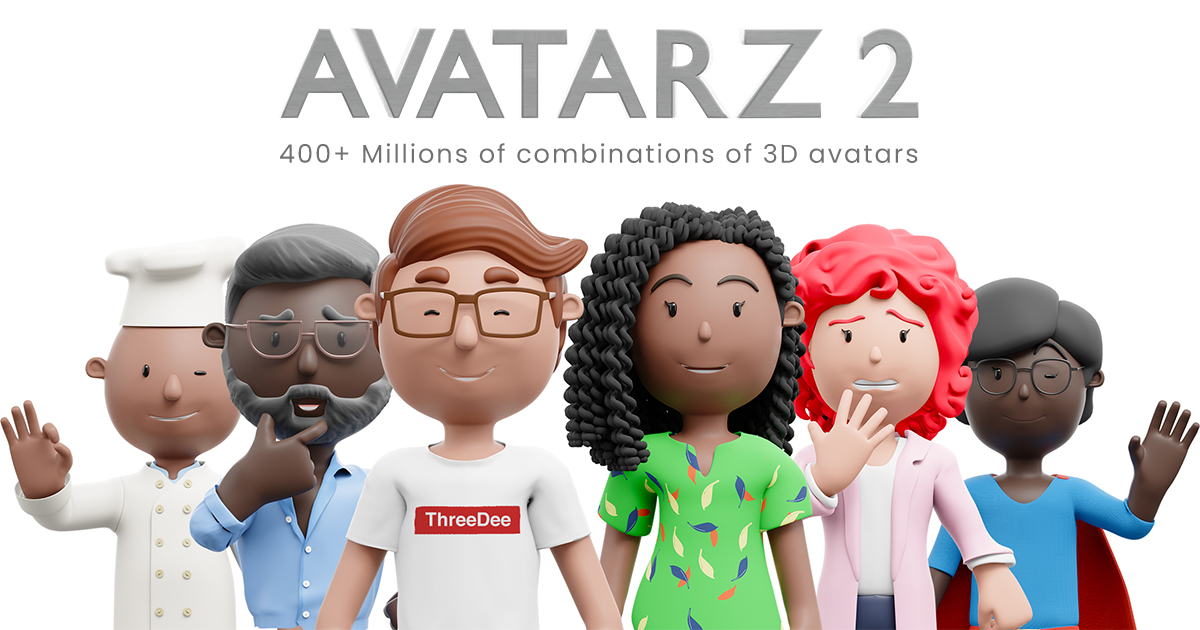
We just launched AVATARZ 2! 🎉 Massive update for AVATARZ library.
We've completely revamped the rig and added various features, including clothes, lip sync, eye types, facial expressions, hair, and outfits - to name a few! It's been a labor of love, with weeks of rendering time invested in producing over 8,000 stunning PNG files.
What is included? 📦 • 54 types of clothes (25 for a male, 29 for a female), • 16 types of accessories (7 for a male, 9 for a female), • 36 types of hair (24 for a man, 12 for a woman), • 8 types of facial expressions, • 8 types of facial expressions, • 3 color skins • Various poses with 3D objects • Lipsync And much more! 🙂
= 400,000,000+ combinations (8,000+ PNGs rendered out of the box)
— Blender source files — Blender generator for easier manipulation with the avatar — Tutorial included
Do you want to learn Blender or any other 3D tool quickly?
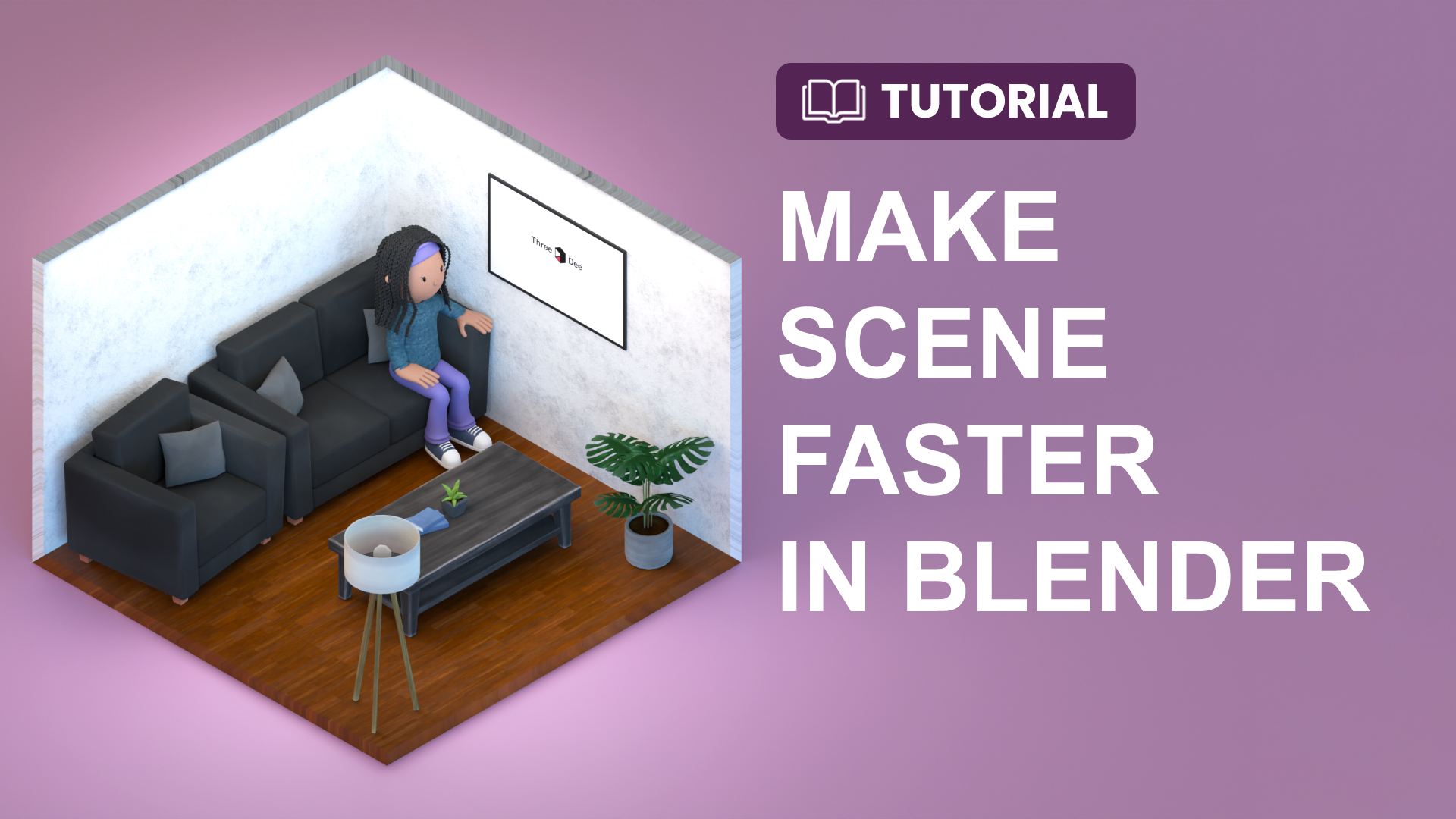
This video shares our top tips and tricks for mastering Blender. You'll learn practical strategies for boosting productivity, improving your workflow, and getting the most out of powerful 3D modeling software.
A new tutorial is out: https://youtu.be/nW-qOfFiReU
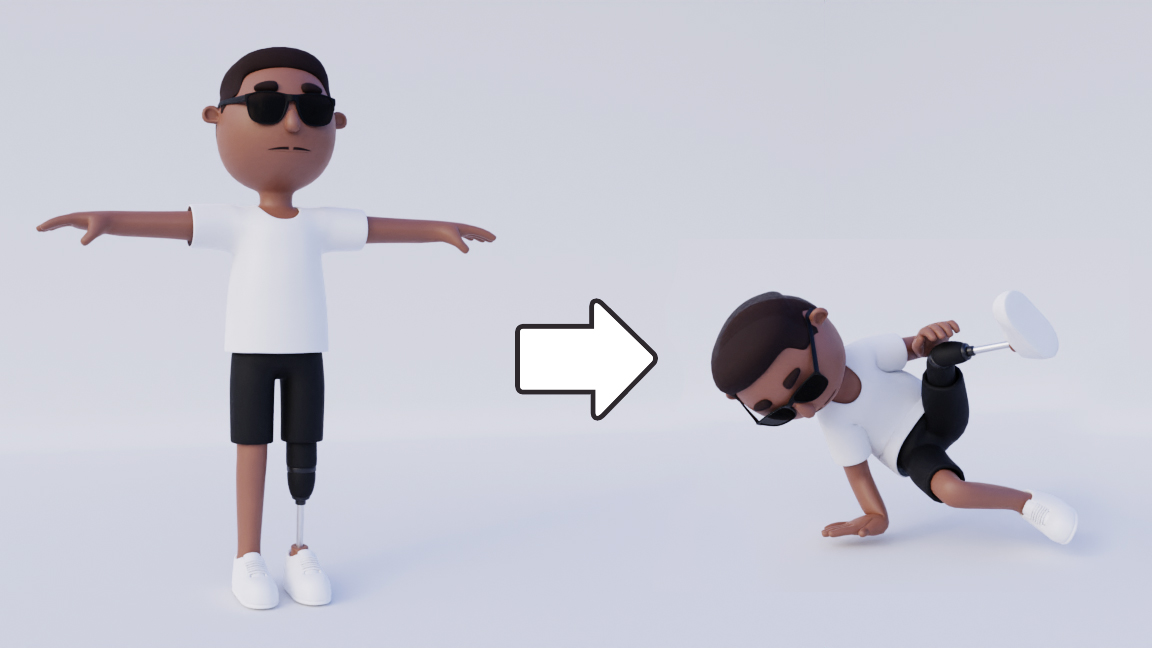
Create stunning 3D animations for free with Mixamo and AccuRig
This tutorial is a must-watch if you want to take your 3D designs to the next level!
Discover how to seamlessly move your characters from Blender to Mixamo or Accurig to create a free, high-quality rig and access a massive library of thousands of free animations. Plus, you'll learn tips and tricks for using these 3D characters - whether designing people or animals - to make your projects truly stand out. With this workflow, you'll be able to make your designs recognizable and bring them to life like never before.
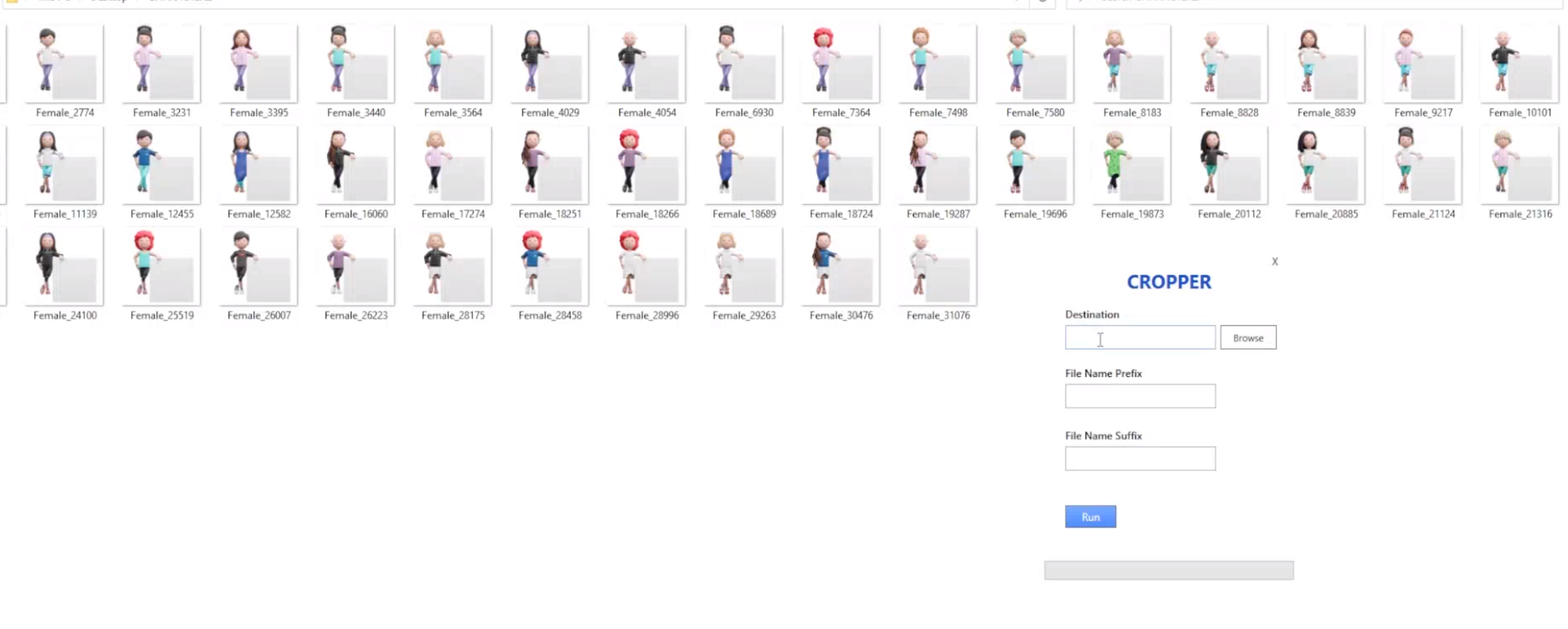
We made a little Windows tool for autocropping PNG images! It helped me save hours of my time, and it ran fast. I hated to use PNG files that had extra white space.
It is a one-time payment, and it costs just $9. Because you are on Discord, I want to give you 50% off, as I greatly appreciate you! 😍 Just use the code in the checkout: cropper
Why use it? ✅ It helps reduce the size of the PNG images. And in bulk, it counts. ✅ It is easier to use PNG files in various apps. Imagine using 5 PNG files that have white space. It isn't enjoyable to work with them. Crop them 🙂 ✅ It works for folders and subfolders so you can run it on millions of images simultaneously. ✅ intuitive UI, ✅ Don't need to upload and then download hundreds of images from online tools. ✅ No restrictions on how many PNG files you need to crop, ✅ We respect your privacy. Everything happens locally, and it is as private as it can be, ✅ You can add prefixes or suffixes in bulk.
Your voice matters to me 💬 I would love your feedback on the tool, even if you don't buy it. I want to help you decrease your tedious tasks as it can save you some hours of work or frustration at most negligible.
If you have any feature requests, please let me know, too ❤️
Learn the ultimate basics of animation in Blender with our new video!
We'll cover all the essential tools and techniques to bring your 3D models to life. Perfect for beginners. Don't miss out on this comprehensive guide to animating in Blender! 🚀
Thanks to these basics, you can showcase your design work in better light 🙂
Our 3D characters got into App of the Day on the App Store - congratulations to VOS.Health — AI Wellbeing Companion team 🥳
I love how they intelligently use our 3D libraries: ✅ They bought a couple of packs ✅ Combined them ✅ Made some modifications to fit the branding ✅ To achieve uniqueness, they created additional custom 3D icons/models
It works flawlessly, and this is the best way I saw someone use our 3D libraries with a combination of custom 3D work on such a scale. 3D is part of their easy-to-recognize branding. Well done! 👏
🧠 Learning item By getting this recognition from Apple, they demonstrated that using prepared packs is not a limitation for creating exceptional products. Moreover, you can deliver value much faster.
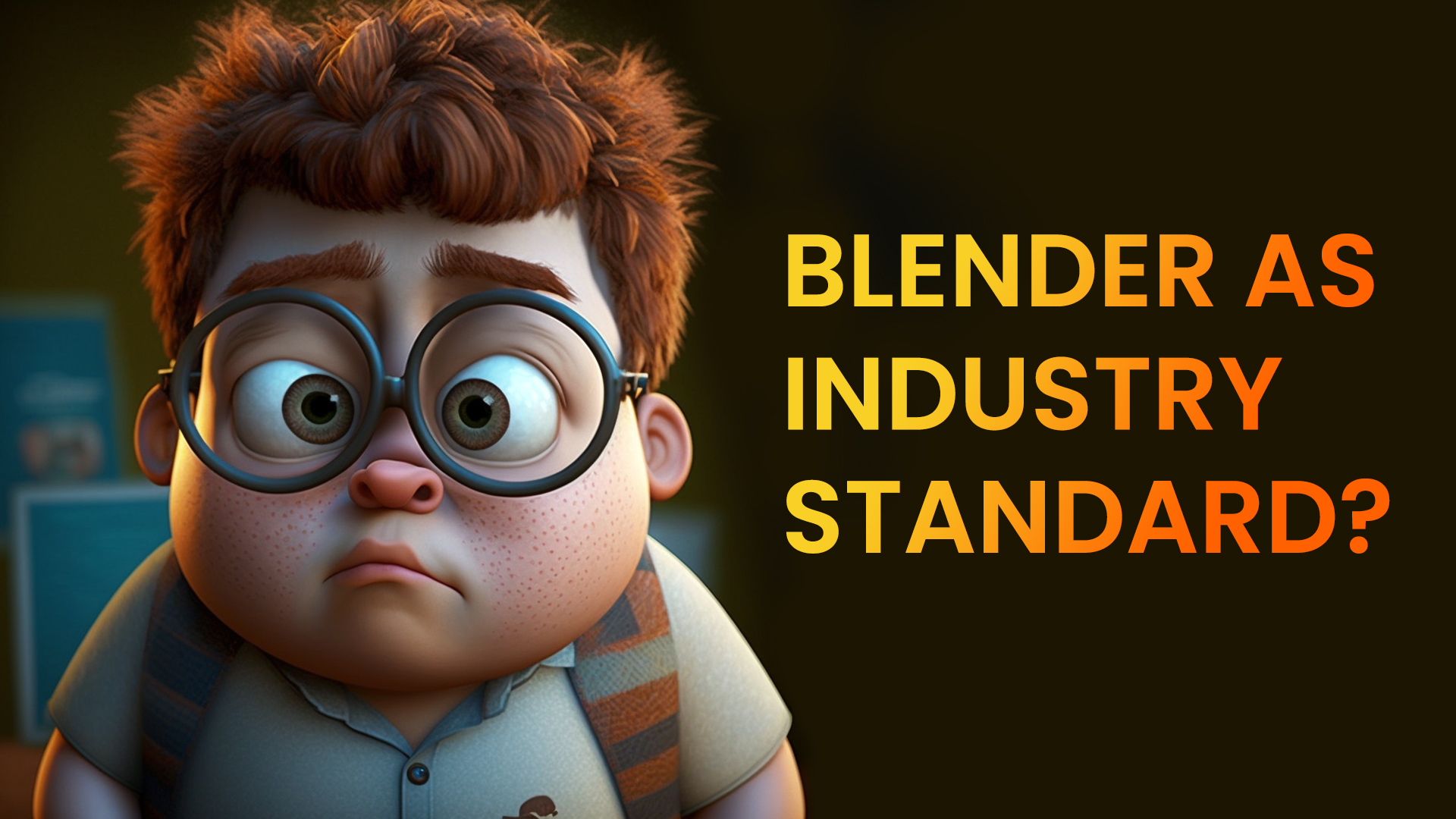
Why is Blender not considered an industry-standard in 3D modeling and animation?
In this video, we'll be debunking that myth and explaining why Blender can be a choice among professionals in the industry. From its powerful features and capabilities to its accessibility and affordability, we'll cover all the reasons Blender is a valuable tool for any artist
So if you're interested in learning more about the capabilities of Blender and why it should be considered an industry standard, be sure to watch this video!
A new short video is about what Blender is used for.
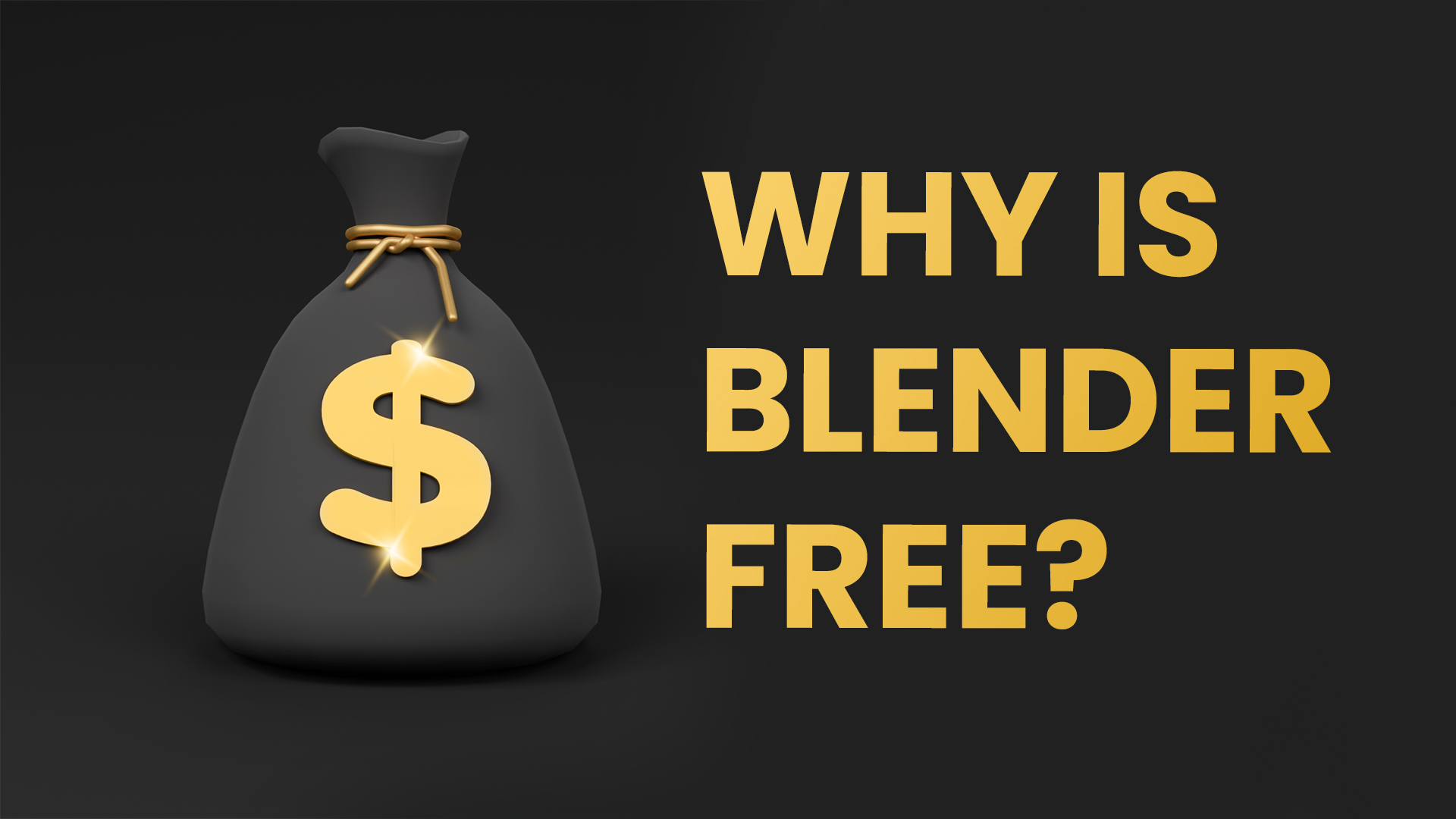
Blender 3D is an excellent program with huge innovations in recent years. Because it is open-sourced (free), many developers build add-ons on top of that.
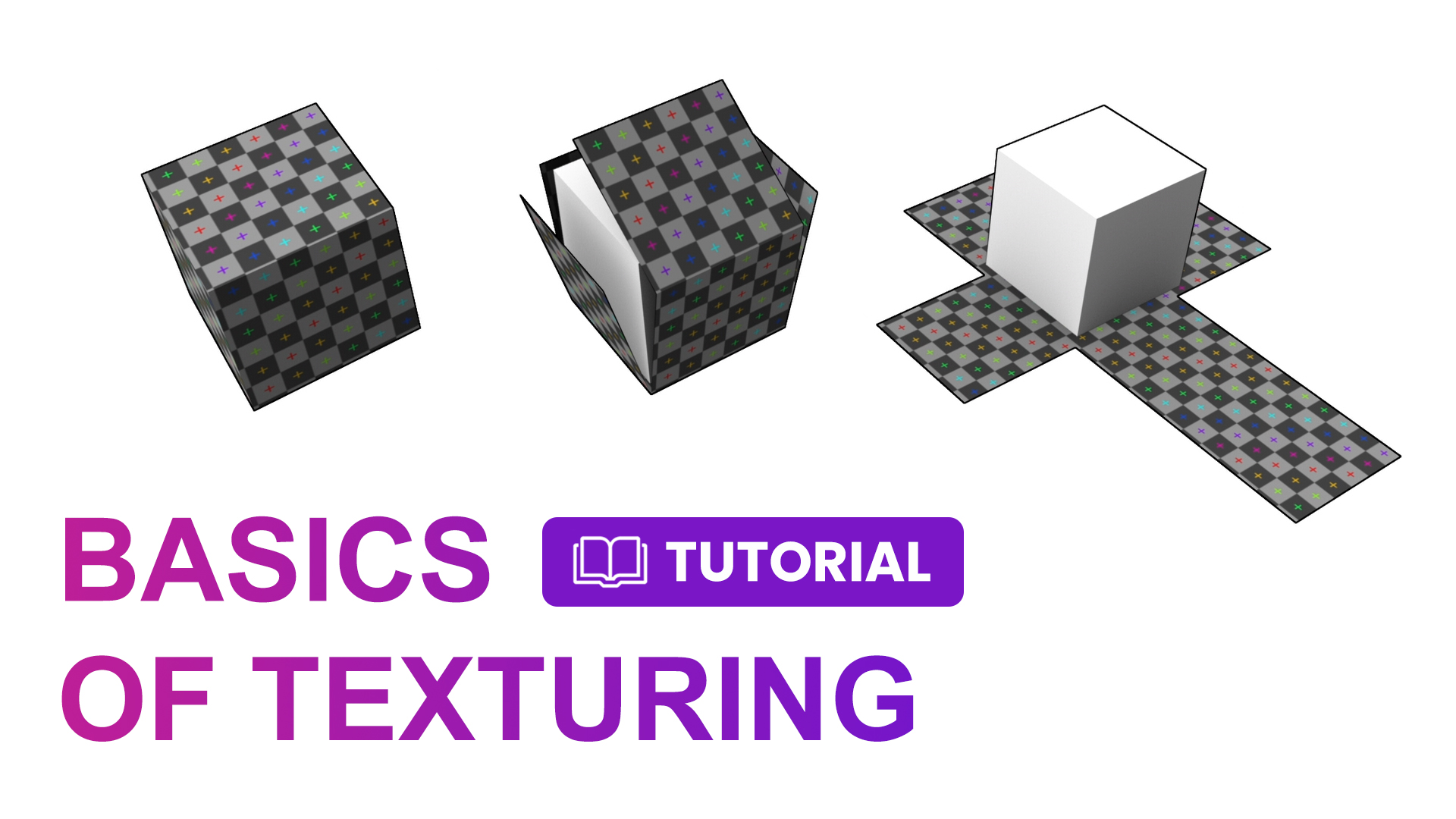
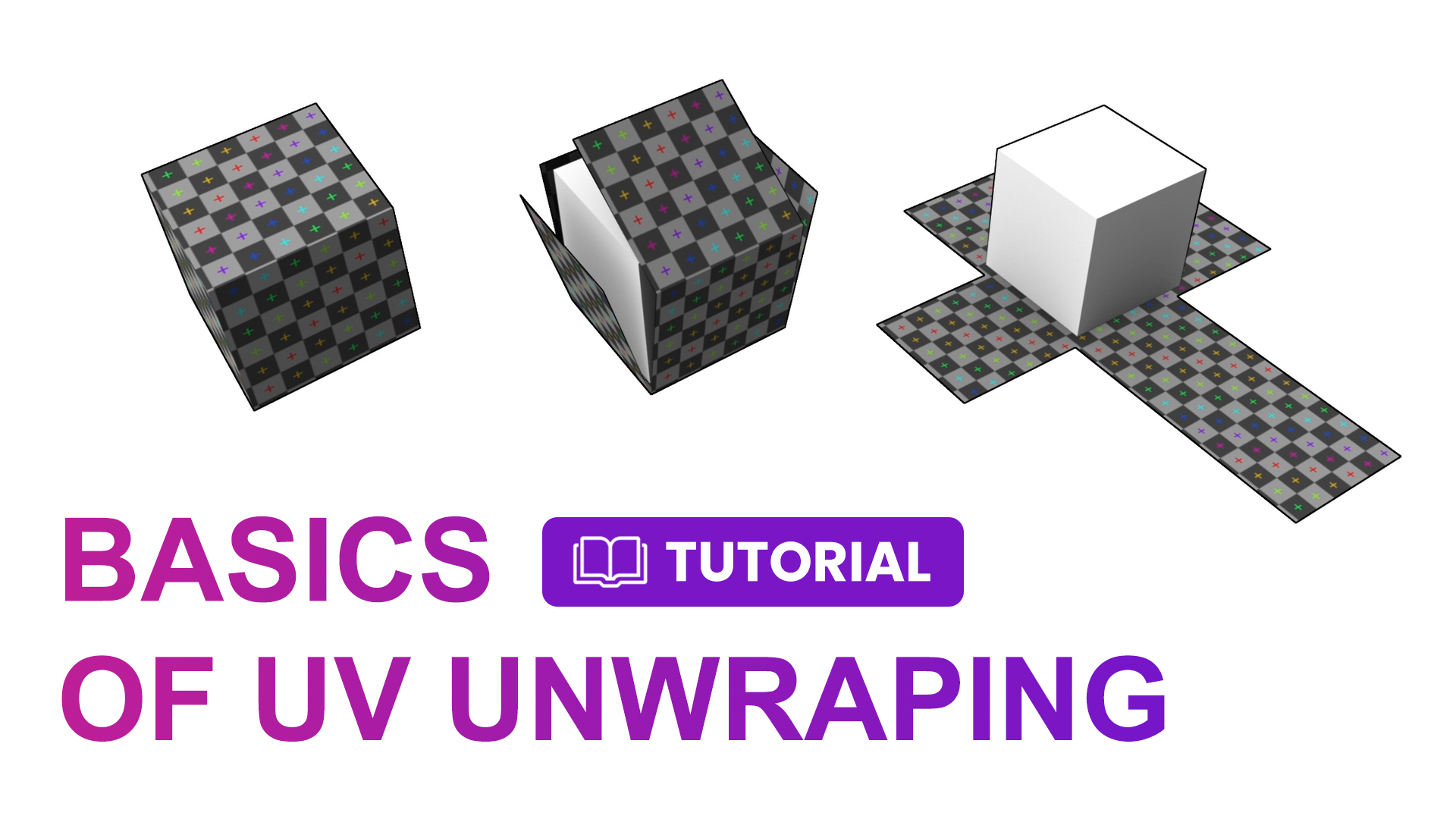
A new tutorial about the Basics of UV Unwrapping in Blender is here 🎉
This can be helpful if you want to put the logo on the t-shirt or another pattern. Or if you want to use characters in games and have some great texture on top of that.
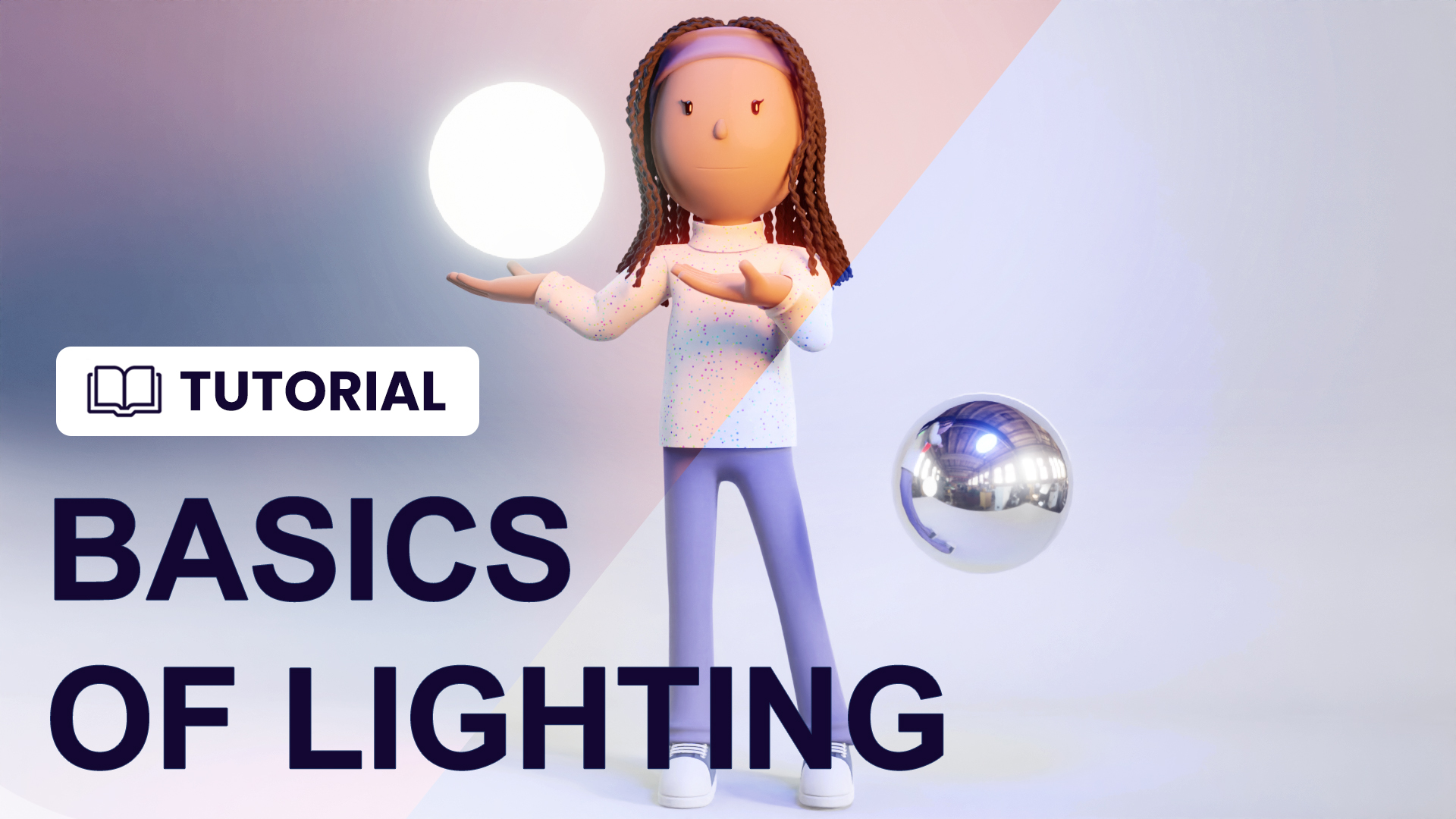
Basics of lighting in Eevee and Cycles In this video, we will cover the basics of lighting in Eevee and Cycles [Blender]. We'll talk about how to set up your scenes and create various lighting effects.





 Powered by FeedBear